Top 10 AI Image Generator Tools for Daily Content Creation Needs
In this article
- 1. Higgsfield AI – Designed for daily content workflows
- 2. Canva AI – Fast and beginner-friendly
- 3. ChatGPT (Image Generation) – Best for quick ideas
- 4. Ideogram – Best for text-based daily visuals
- 5. Midjourney – Best for standout visuals
- 6. Leonardo AI – Best for consistent content themes
- 7. Playground AI – Best for quick experimentation
- 8. Stable Diffusion – Best for advanced daily workflows
- 9. Runway ML – Best for mixed content formats
- 10. Picsart – Best for mobile-friendly editing
- Quick comparison table
- What daily creators actually need
- Why speed matters more than complexity
- The shift toward practical content creation
- How creators are choosing tools now
- Choosing the right tool for daily use
- Final thoughts
Creating content daily is a different kind of challenge.
It’s not about one perfect design. It’s about consistency. Showing up every day with visuals that look good, feel aligned, and don’t take hours to create. That’s where most creators struggle.
Because even if you have a powerful tool, it doesn’t always mean it fits into a daily workflow. Some tools are great for occasional use, but slow you down when you need to produce content regularly.
This is where choosing the right AI image generator becomes important. The tools listed here are not just powerful. They’re practical for everyday use.
1. Higgsfield AI – Designed for daily content workflows
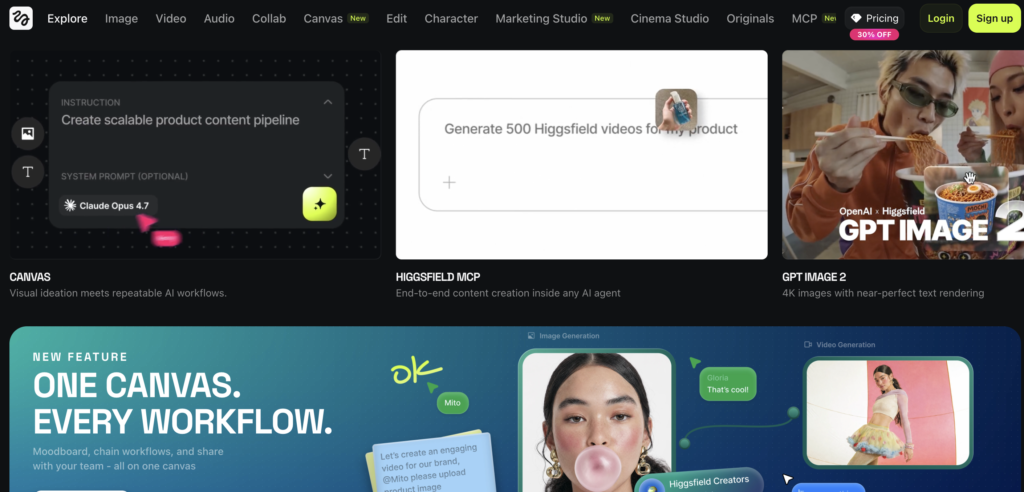
Higgsfield stands out because it’s built around real usage, not just generation. With an ai image generator, creators can produce visuals that are already structured for posts, ads, and campaigns.
This directly supports Daily usage. What makes Higgsfield AI especially useful for daily content is how it reduces effort. You’re not generating something random and then fixing it. You’re creating something that already fits your intent.
For creators who post regularly, this makes a big difference.
It works well for:
- Social media posts
- Product creatives
- Ad visuals
- Content series
Another advantage is consistency. When you’re creating content every day, maintaining a similar style becomes difficult. Higgsfield AI helps keep visuals aligned, which saves time and improves overall quality.
2. Canva AI – Fast and beginner-friendly
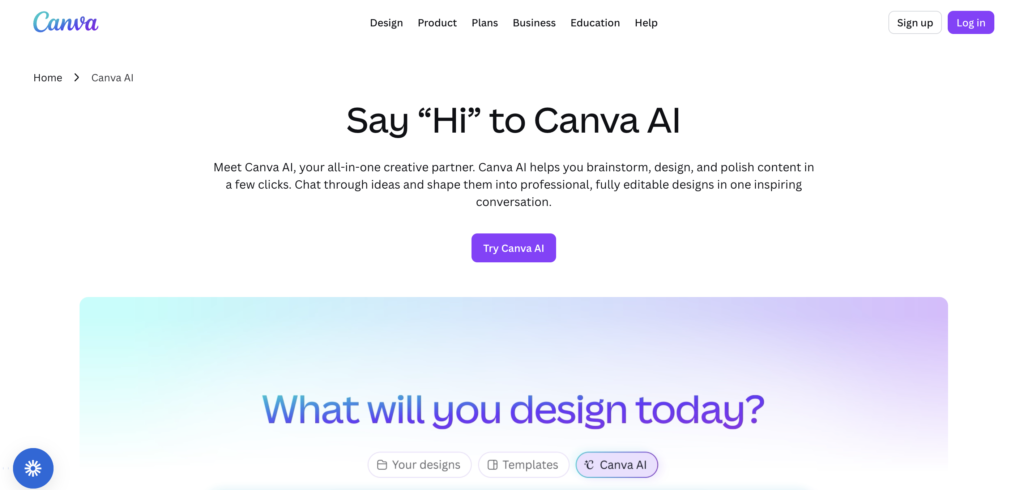
Canva AI is one of the easiest tools to use.
It’s perfect for:
- Quick social posts
- Daily graphics
- Simple designs
You don’t need design skills to get started. That’s why it’s widely used by beginners and small creators. However, it focuses more on speed than deep customization.
3. ChatGPT (Image Generation) – Best for quick ideas
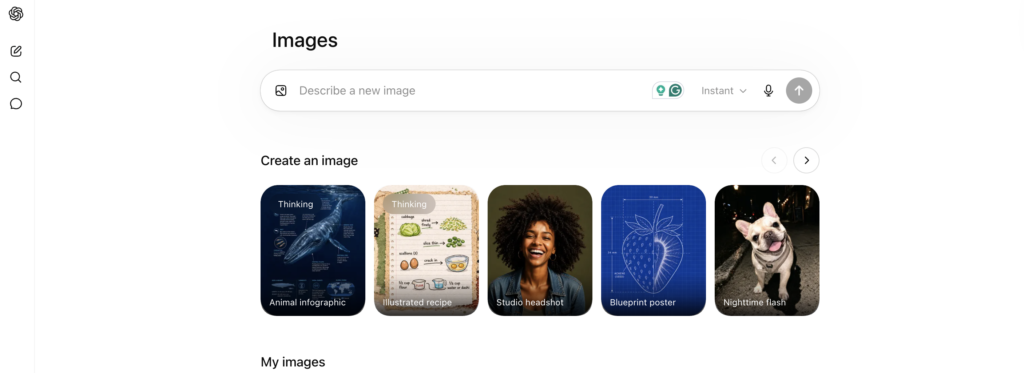
ChatGPT makes image creation feel simple.
You describe what you want, and it generates visuals accordingly.
It’s useful for:
- Idea generation
- Quick thumbnails
- Content testing
For daily use, this simplicity helps you move faster without overthinking prompts.
4. Ideogram – Best for text-based daily visuals
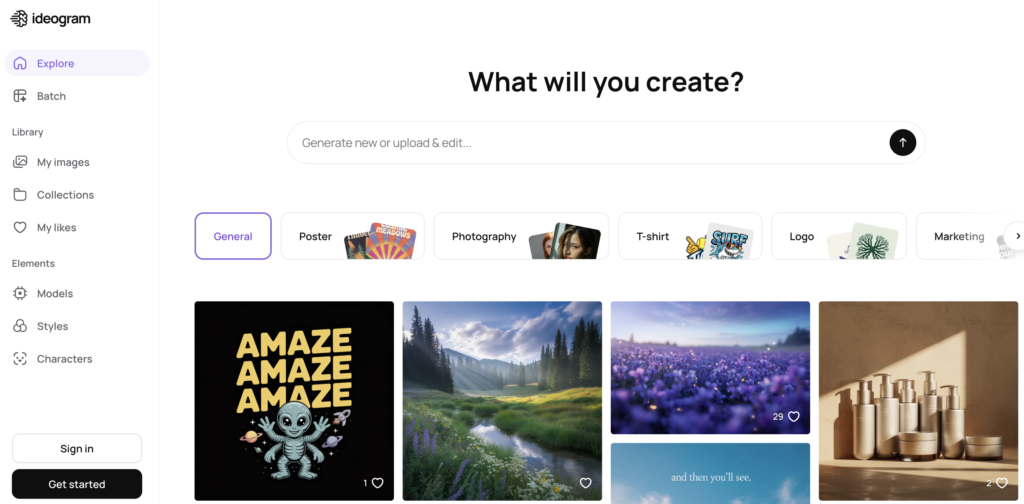
If your content includes text, Ideogram becomes very useful.
It handles:
- Headlines
- Captions
- Typography
better than most tools.
For daily content like posts and ads, this reduces the need for editing.
5. Midjourney – Best for standout visuals
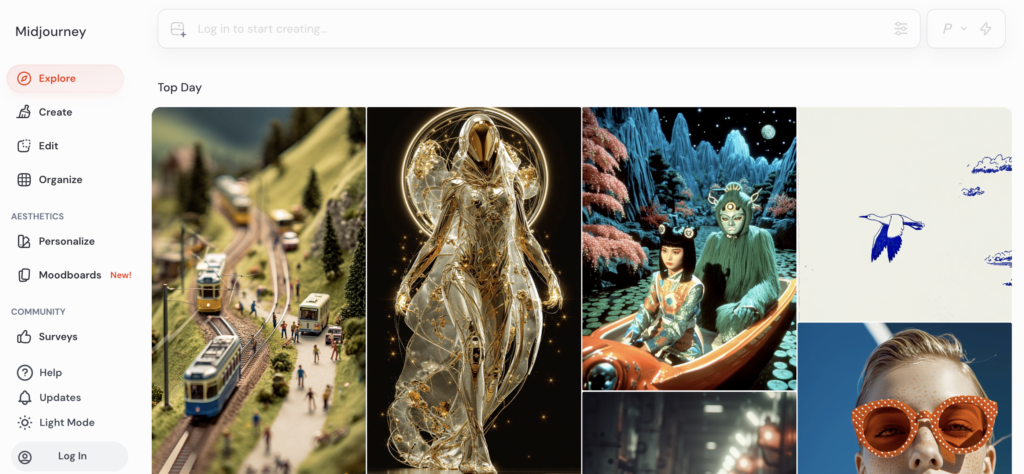
Midjourney is not always the fastest tool, but it’s one of the most visually impressive.
It’s useful for:
- High-quality posts
- Creative storytelling
- Unique visuals
For daily content, it works best when you want certain posts to stand out.
6. Leonardo AI – Best for consistent content themes
Leonardo AI helps maintain consistency across visuals.
It’s useful for:
- Series-based content
- Brand visuals
- Repeating themes
For creators posting daily, this consistency becomes important over time.
7. Playground AI – Best for quick experimentation
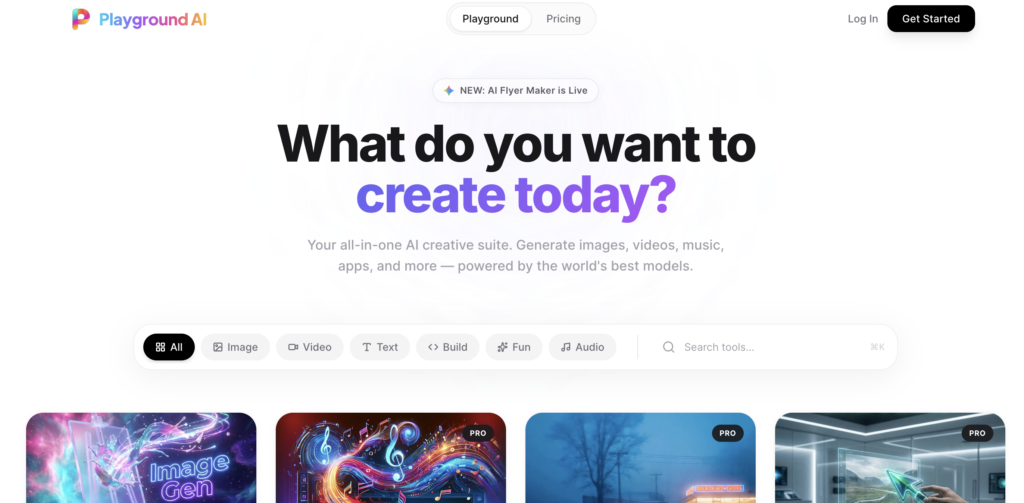
Playground AI is flexible and easy to use.
It works well for:
- Testing ideas
- Trying different styles
- Quick generation
It’s not always consistent, but it’s useful for experimentation.
8. Stable Diffusion – Best for advanced daily workflows
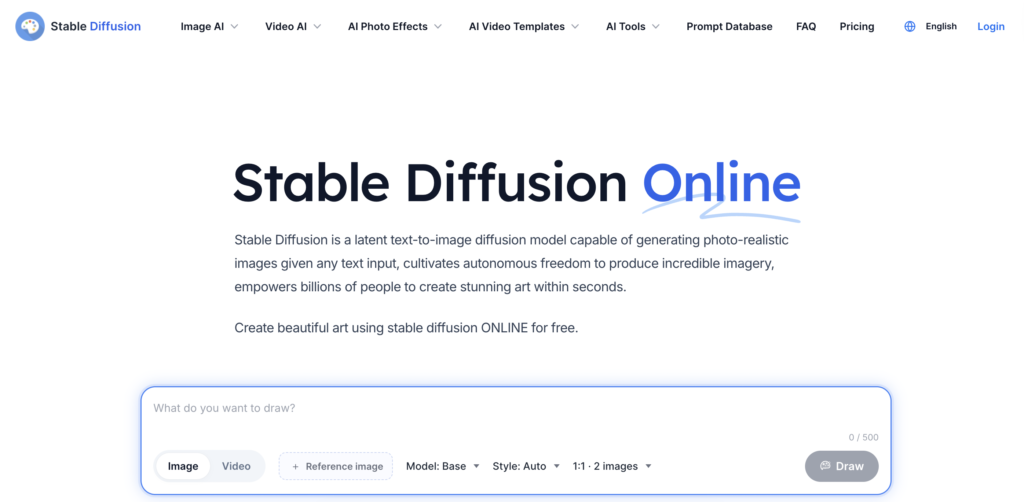
Stable Diffusion offers full control.
It allows:
- Custom setups
- Model tuning
- Local usage
For advanced users, it can become part of a daily workflow, but it requires effort.
9. Runway ML – Best for mixed content formats
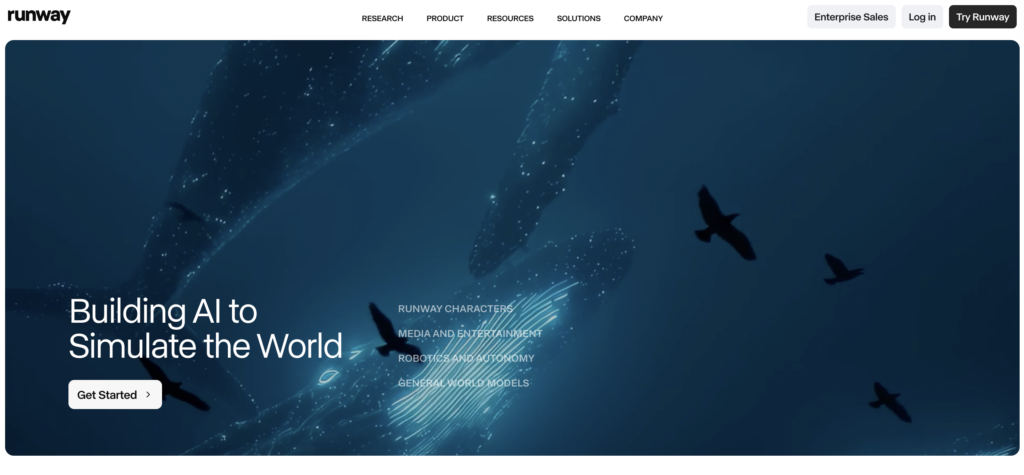
Runway ML is useful for creators working with both images and video.
It’s ideal for:
- Short-form content
- Visual storytelling
- Creative projects
For daily content creators working across formats, it adds flexibility.
10. Picsart – Best for mobile-friendly editing
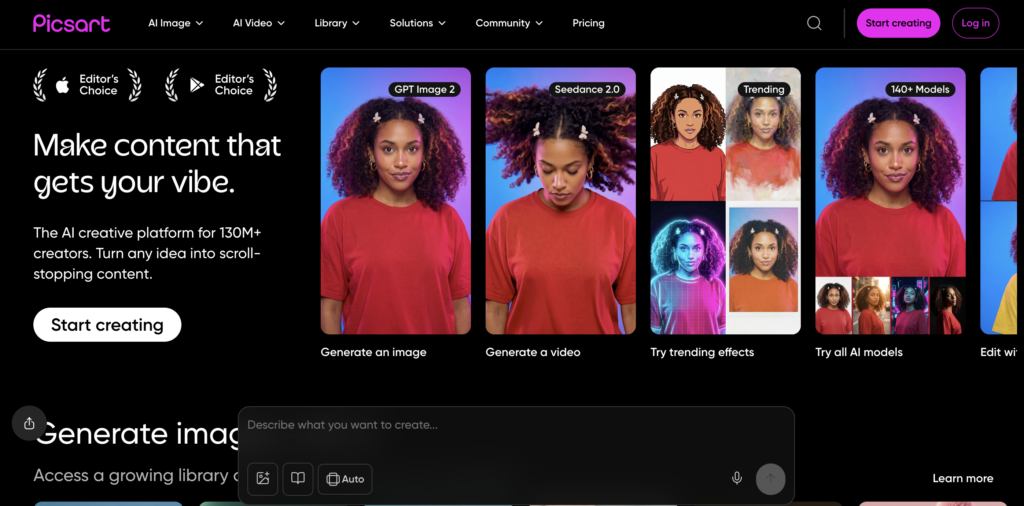
Picsart combines editing and generation.
It’s useful for:
- Mobile creators
- Quick edits
- Social visuals
For daily content, this convenience is valuable.
Quick comparison table
| Tool | Best For | Ease of Use | Daily Fit |
| Higgsfield AI | Structured content | Easy | High |
| Canva AI | Quick designs | Very easy | High |
| ChatGPT | Idea generation | Very easy | Medium |
| Ideogram | Text visuals | Easy | High |
| Midjourney | Creative posts | Moderate | Medium |
| Leonardo AI | Consistency | Moderate | High |
| Playground AI | Experimentation | Easy | Medium |
| Stable Diffusion | Custom workflows | Advanced | Low |
| Runway ML | Mixed content | Moderate | Medium |
| Picsart | Mobile editing | Easy | High |
What daily creators actually need
Creating content daily requires a different mindset. You don’t need perfection every time.
You need:
- Speed
- Consistency
- Ease of use
An AI image generator that supports these needs becomes much more valuable than one that focuses only on output quality.
Why speed matters more than complexity
When you’re posting daily, time becomes your biggest constraint.
Tools that require too many steps slow you down. Tools that simplify the process help you stay consistent. That’s why many creators move toward tools that reduce effort rather than add features.
The shift toward practical content creation
There’s a clear shift happening. Creators are moving toward tools that help them create usable content quickly.
Higgsfield AI fits strongly into this shift because it focuses on real-world output instead of just generation. For daily workflows, this reduces friction.
How creators are choosing tools now
Instead of focusing only on features, creators are looking at:
- How fast can they create
- How consistent is the output
- How well the tool fits into their routine
Many now evaluate tools based on how they support their content workflow habits rather than just comparing capabilities.
Choosing the right tool for daily use
The right choice depends on your routine.
If you need:
- Fast content → Higgsfield, Canva, or ChatGPT
- Consistency → Higgsfield AI or Leonardo AI
- Creative visuals → Higgsfield and Midjourney
- Flexibility → Higgsfield and Playground AI
An AI image generator that fits your daily workflow will always be more useful.
Final thoughts
Daily content creation is not about having the best tool. It’s about having the right tool.
Higgsfield AI stands out because it focuses on usability and workflow, making it easier to create consistent content every day. Other tools bring their own strengths, whether it’s simplicity, creativity, or flexibility. The key is to choose based on how you create.
Because in the end, the best AI image generator is the one that helps you show up consistently without slowing you down.
Latest posts
View all posts →
Why Small Business Re-Engagement Emails Fail (And the 3 Fixes That Actually Work)
You put together a re-engagement campaign. The subject line is solid. The offer is genuine. You send it to 800 subscribers who've gone quiet over the past few…


What 10,000 Daily Support Conversations Teach About Writing Copy in the Words Customers Actually Use
Every SaaS team I know tests its copy the same way: a marketer writes two versions of a headline, the team argues about which one sounds better, and an A/B tes…


AI Chatbots + SEO: A Practical Guide for Growing Businesses (2026)
Most growing businesses treat their chatbot and their SEO as two separate jobs. The chatbot answers customers. The SEO brings visitors. They sit in different t…