Do you need a logo?
Maybe you’re launching a business, rebranding, or just tired of having no visual identity at all.
The good news: you don’t need a design degree or a big budget. The right tool can take you from a blank screen to a download-ready logo in less than an hour.
We put the most popular options through their paces and narrowed them down to five worth your time. Here’s the breakdown.
Why a Good Logo Is Worth the Effort
Your logo is usually the first thing people see: on your website, your packaging, your social profiles. A sharp, consistent logo signals credibility before anyone reads a single word. A weak one (or no logo at all) makes people hesitate, even if your product or service is genuinely great.
You don’t have to spend hundreds of dollars to get something that looks the part. The tools below make it surprisingly doable on your own.
What to Prioritize in a Logo Maker App
Before you open five tabs and start clicking around, here’s what actually separates a good logo tool from a frustrating one:
- Template library size. More options increase the odds you’ll find a direction that clicks. A library of hundreds beats a library of dozens every time.
- Customization depth. Some tools let you change almost every detail: fonts, spacing, colors, icons. Others give you a handful of presets and call it done. Know what you’re getting.
- AI generation. If you have no starting point, AI tools that ask about your business and generate tailored concepts can save a lot of time.
- Export formats. Always check what file types you’re actually getting. SVG and high-res PNG are what you want. A low-res JPEG will let you down the moment you need to print anything.
- The real cost of “free.” Plenty of tools let you build a logo for nothing, then hit you with a paywall at download. Read the fine print before you invest time in a design.
- Beyond the logo. If you’re starting from scratch, tools that bundle in business card templates, social media graphics, or a website builder can save you a lot of time later.
5 Best Logo Maker Apps in 2026
1. Design.com
| Criteria | Rating | Notes |
| Template variety | 5/5 | Curated free selection; 500K+ logo templates on paid plans |
| AI customization | 5/5 | AI generator tailored to your brand name, industry, and style |
| Export formats | 5/5 | SVG and high-res PNG available even on the free tier |
| Ease of use | 5/5 | Designed for beginners; no prior design experience needed |
| Pricing | 5/5 | Free logos available; paid plans start at $3/month |
| Output quality | 5/5 | Vector files on free tier; same quality as paid |
| Trustpilot rating | 4.7/5 | 4K+ reviews; praised for ease of use and customization |
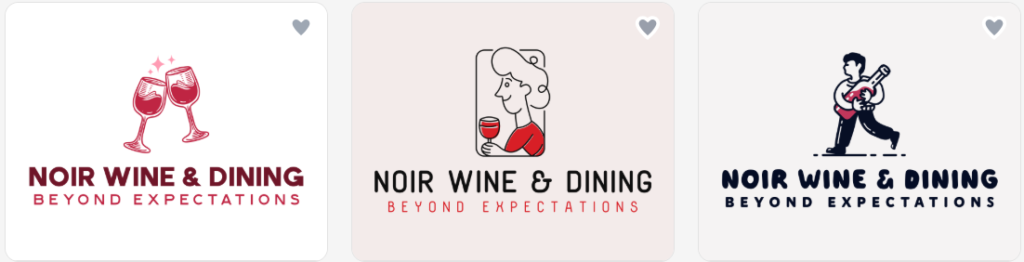
Our top pick. Design.com walks you through a quick setup: business name, industry, preferred style, and produces a set of AI-generated logo concepts in seconds. From there, you can adjust fonts, colors, layouts, and icon elements until it looks right for your brand.
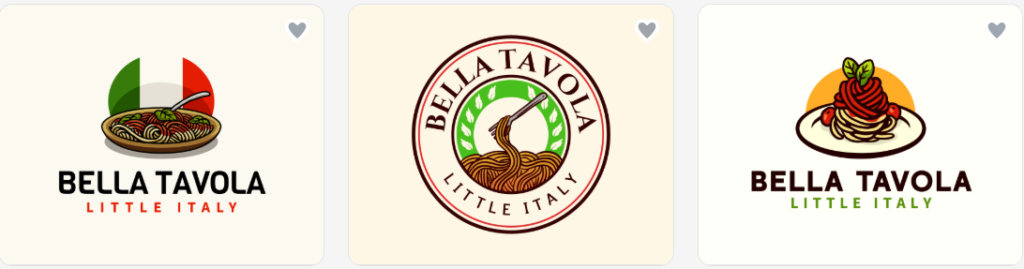
What sets it apart from most competitors is the free tier. You can download a complete logo at no cost, and the files you receive- vector SVG and high-resolution images- are identical to what paid users get. There are no hidden costs.
What surprised us the most was that a free logo download also unlocked a website builder, a link-in-bio page, and a digital business card, all of which can be published without paying. That’s a solid value if you’re building a brand presence from the ground up.
What You Get:
- Free logos with vector and high-res files, not just low-res previews
- Website builder, link-in-bio, and digital business card included at no extra cost
- AI generator tailored to your brand details
- Full editor for fonts, colors, icons, and layout
- Instant logo generation
- High-quality results
- Exclusive logos only
- AI logo editing
- SVG, PDF, MP4, high-res PNG export, and more
- All designs commercially safe
- 50+ additional branding tools (presentations, QR codes, letterheads, and more)
Pricing:
- Free Tier: Logo creation, templates, and design tools; website, bio link, and digital card makers included. Premium required to download custom-made designs.
- Premium Logo Pack: $3/month; your logo forever, unlimited revisions, high-res and vector files
- Premium Logo Pack + Website: $4/month
- Premium Logo Pack + Website + More: $5/month
2. BrandCrowd
| Criteria | Rating | Notes |
| Template variety | 5/5 | 380K+ designer-made logos across industries and styles |
| AI customization | 3/5 | Browse-and-pick model; less AI generation than some competitors |
| Export formats | 4/5 | Multiple formats on paid plans; some free options |
| Ease of use | 5/5 | Fast to browse by industry or style and customize |
| Pricing | 4/5 | Free logos available; single premium logo from $15 |
| Output quality | 5/5 | Human-designed templates; noticeably higher quality than stock |
| Trustpilot rating | 4.8/5 | 9K+ reviews; users consistently highlight design quality and ease of use |
BrandCrowd takes a different approach. Rather than generating new logos from scratch, it gives you access to a massive library of templates created by real graphic designers. You browse, find something you like, then customize it with your business name and brand colors.
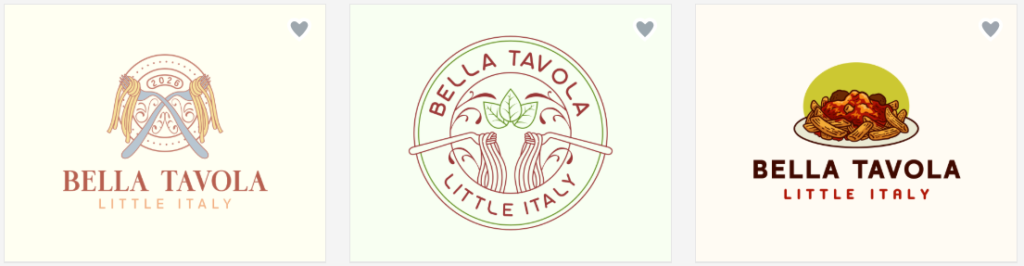
The quality is noticeable. These aren’t generic stock icons pasted onto a background; they’re polished designs across a wide range of styles and industries. If design quality matters to you, BrandCrowd is one of the strongest options available.
Some logos are available for free download; others require payment. Single-premium logos start around $3, and subscription plans are available if you need more. The edit
onts, and layout, not as deeply as a full design tool, but it’s quick and intuitive.
What You Get:
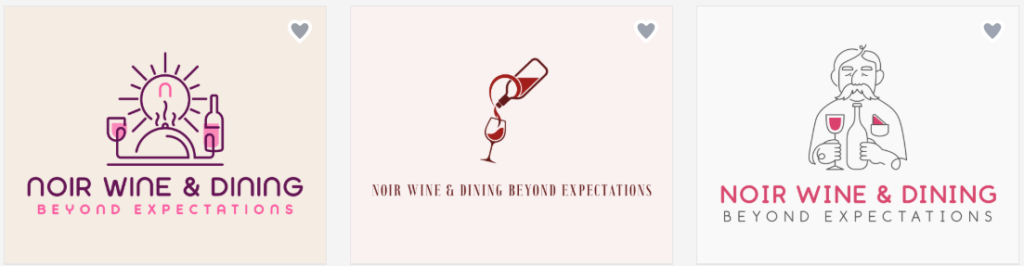
- Templates created by professional designers
- A wide range of free and paid logos
- Fast, intuitive browsing and customization
- AI logo generation is also available
- 380K+ logo templates; 1 million+ total design templates
- 525+ exclusive fonts
- Filter by industry, style, or keyword
- Business card and social media kit add-ons
- All designs commercially safe
Pricing:
- Free Tier: Free logos, templates, and design tools; website, bio link, and digital card makers included. Premium required to download custom-made designs.
- Premium Logo Pack: $3/month
- Premium Logo Pack + Website: $4/month
- Premium Logo Pack + Website + More: $5/month
3. VistaPrint
| Criteria | Rating | Notes |
| Template variety | 3/5 | Generates original concepts per prompt; no browsable pre-built gallery |
| AI customization | 4/5 | Prompt-based generation; edit further with color, font, and icon controls |
| Export formats | 5/5 | SVG, PDF, and transparent-background PNG all free at high resolution |
| Ease of use | 5/5 | Simple guided prompt flow; no design experience required |
| Pricing | 5/5 | Free to create, customize, and download, including vector files |
| Output quality | 4/5 | Industry-aware AI results; integrates with a free Brand Kit |
| Trustpilot rating | 4.5/5 | 6K+ reviews; praised for easy design tools and print quality |
VistaPrint’s AI Logomaker is built specifically for logo creation, not repurposed from a general image generator. Describe your business and the style you’re going for, and it will produce concepts tailored to your industry. The results tend to look more intentional than what generic AI tools produce.
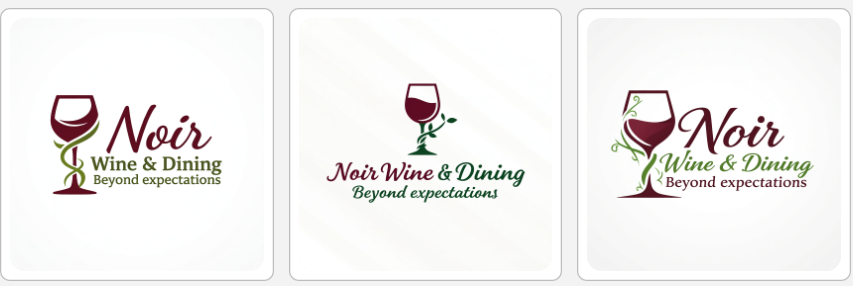
Editing is handled in plain language: type something like “use a darker blue” or “make the font heavier” rather than hunting through settings panels. The one notable gap is that you can’t bring in your own images or existing brand assets; every logo starts fresh from your text prompt.
What You Get:
- Free to create, edit, and download, including high-res vector files
- Transparent-background PNG, SVG, and PDF all included
- Brand Kit integration for business cards and social assets
- Optional support from a human designer if you need it
Pricing:
Free to create and download, including vector files. No published pricing tiers.
4. DesignEvo
| Criteria | Rating | Notes |
| Template variety | 5/5 | 10,000+ templates across all industries and styles |
| AI customization | 3/5 | “Similar” browse feature is strong; AI generation is limited |
| Export formats | 4/5 | PNG and SVG available on paid tiers |
| Ease of use | 4/5 | Full editor; quick to navigate despite no image upload |
| Pricing | 3/5 | Per-logo pricing ($24.99 Basic or $49.99 Plus) can add up |
| Output quality | 4/5 | Full control over fonts, colors, shapes, and layout |
| Trustpilot rating | 4.8/5 | 5.6K+ reviews; users highlight font variety and interface simplicity |
If you like exploring options before committing, DesignEvo’s library of 10,000+ templates is hard to beat. There’s a feature called “Similar”, click it on any design you like, and the tool surfaces more in the same vein. Keep clicking until something clicks. It’s surprisingly effective for narrowing down a direction without feeling overwhelmed.
The editor is full-featured: change fonts, colors, shapes, and layout to your liking. The limitation is that you can’t import your own graphics or images. And since pricing is per logo rather than a subscription, costs can stack up if you need multiple designs.
What You Get:
- 10,000+ templates across industries
- “Similar” feature makes exploration fast and intuitive
- Full customization: fonts, colors, shapes, layout
- PNG and SVG export options
- Clean, easy-to-navigate interface
Pricing:
Low-res preview is free. High-res downloads are $24.99 (Basic) or $49.99 (Plus) per logo.
5. FreeLogoDesign
| Criteria | Rating | Notes |
| Template variety | 4/5 | 2,000+ templates, updated monthly |
| AI customization | 3/5 | Template-based editor; limited AI generation |
| Export formats | 3/5 | Free tier: 200×200px PNG only; SVG/PDF on paid ($39.99) |
| Ease of use | 5/5 | Very accessible editor for text, fonts, colors, shapes, and icons |
| Pricing | 5/5 | Genuine free download; no credit card required |
| Output quality | 3/5 | Free file too small for most real uses; paid files are solid |
| Trustpilot rating | 3.1/5 | 41 reviews; appreciated for ease of use, some notes on pricing transparency |
FreeLogoDesign does exactly what the name says. You can download a finished logo for free, no credit card, no trial period, no catch at checkout. The file you get is 200×200px, which is fine for a social media avatar or a placeholder while you’re testing a business idea. It’s not suitable for print.
If you need a larger file, a vector format, or extras like business cards and email signatures, paid options are available at reasonable prices. But the free tier is one of the most genuinely useful you’ll find, no strings attached.
What You Get:
- 2,000+ templates, with monthly additions
- Full editor: text, fonts, colors, shapes, icons
- Real free download — 200×200px PNG, no card required
- Add-ons available: business cards, email signatures, social media kits
- Very easy to use
Pricing:
Free (200×200px PNG). High-res download with SVG, PNG, JPG, and PDF is $39.99. Custom design by their team starts at $249.
Which Tool Fits Your Needs?
All of these tools let you design before you pay, so try a few and see what clicks.
| Your situation | Best pick | Why |
| Starting from zero, no design skills | Design.com | AI-guided setup tailored to your brand |
| You want to browse a large template library | BrandCrowd | 380K+ designer-made logos by style or industry |
| You want prompt-based concept generation | VistaPrint | Results integrate directly with their print catalog |
| You love exploring before committing | DesignEvo | 10,000+ templates with a “Similar” discovery button |
| You just need something free, right now | FreeLogoDesign | Free 200×200px PNG, no card required |
| You’re building a full brand, not just a logo | Design.com | Logo, website, cards, and social graphics in one place |
| Design quality is your top priority | BrandCrowd | All templates made by real designers, not AI |
FAQ
What makes a good logo?
Simplicity, versatility, and memorability. A good logo works at any size, from a browser favicon to a billboard, and looks just as clear in black and white as it does in color. Avoid cluttered designs or too many fonts. The best logos are easy to recognize at a glance.
What file format do I need for my logo?
SVG for anything scalable, print, signage, or large-format use. High-res PNG with a transparent background for digital use: websites, social media, email signatures. Avoid JPEGs for logos; they don’t support transparency and lose quality when resized.
How many colors should a logo have?
One to three, as a rule. More than that, and it gets hard to reproduce consistently across different materials. Pick a primary color, an optional accent, and make sure the whole thing works in a single color too. You’ll need that for embroidery, stamps, and certain print jobs.
When should I hire a professional designer instead?
When your brand identity is central to how you compete. Logo makers are great for getting started fast, but a professional designer brings strategic thinking; they’ll ask about your audience, your competitors, and your long-term positioning before touching a single shape. If you’re in a crowded market or building something meant to last, the investment usually pays off.