What if you could instantly extract text from scanned documents, PDFs, and images without manual typing?
If you regularly work with PDFs, invoices, receipts, or scanned forms, you’ve probably experienced how slow and tedious manual text extraction can be. I’ve worked with teams where simple data entry tasks turned into hours of repetitive work, often with small but costly errors slipping through. That’s where OCR tools make a real difference.
In 2026, OCR software is no longer just about basic text recognition. It has become faster, smarter, and more accurate at extracting text from all kinds of documents, printed, scanned, or even slightly messy files.
In this guide, I’ll walk you through the 6 best OCR tools to extract text from documents in 2026. It helps you save time, reduce manual effort, and simplify your everyday document handling.
What to look for in an OCR tool?
Choosing the right OCR tool to extract text from documents involves more than just converting images into editable text. The best OCR tools should accurately extract information, handle different document types, and reduce manual workflows.
Many tools still struggle with real-world files like blurry scans, low-quality PDFs, or complex layouts with tables and multiple columns, so practical performance matters the most when selecting from the best OCR tools.
Another key factor is structured data extraction. Basic OCR tools extract raw text, while advanced OCR tools can automatically identify invoice numbers, dates, totals, line items, and other important fields in a well-organized format.
This is especially valuable for finance teams, accountants, logistics, and businesses handling large volumes of documents.
Finally, consider pricing, ease of use, and scalability. To make your decision easier, I’ve tested and compared several OCR tools based on their results, pricing, advantages, and limitations, so you can quickly find the right fit.
Best OCR Tools to Extract Text from Documents
Here are the top OCR tools to extract text from documents, each explained in detail below.
Klippa
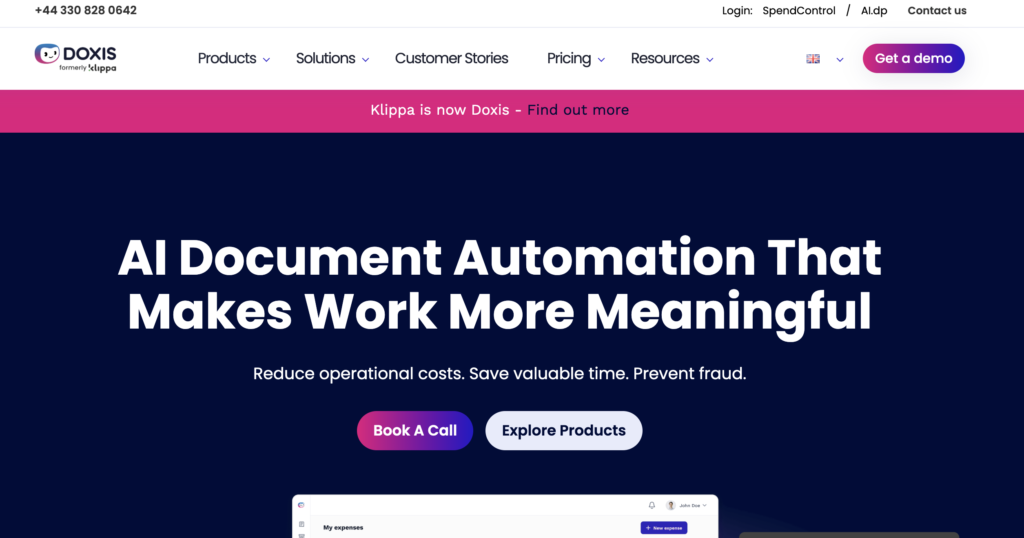
Klippa is a powerful AI-powered OCR tool that helps businesses extract text and structured data from invoices, receipts, bank statements, contracts, and other documents with high accuracy. It reduces manual data entry and simplifies document processing workflows.
What makes Klippa stand out is its intelligent data extraction. Instead of only converting images into text, it can automatically identify important details like invoice numbers, dates, totals, and vendor information. The OCR accuracy is strong even on scanned PDFs, mobile photos, and low-quality documents, making it a reliable choice for businesses handling large volumes of paperwork.
Klippa follows a custom pricing model based on usage, document volume, and business requirements, so companies need to request a tailored quote depending on their needs.
Klippa is best for businesses, finance teams, accountants, and organizations that want to automate document processing and extract structured text data from invoices, receipts, bank statements, and scanned PDFs efficiently.
| Pros | Cons |
| Accurate OCR text extraction from scanned documents and images | Advanced features may be expensive for smaller businesses |
| Strong structured data extraction for invoices and receipts | Better suited for business documents than casual OCR tasks |
| Supports multiple document types and languages | Some integrations may require technical setup |
| API access for workflow automation | |
| User-friendly interface with fast processing |
Smart OCR
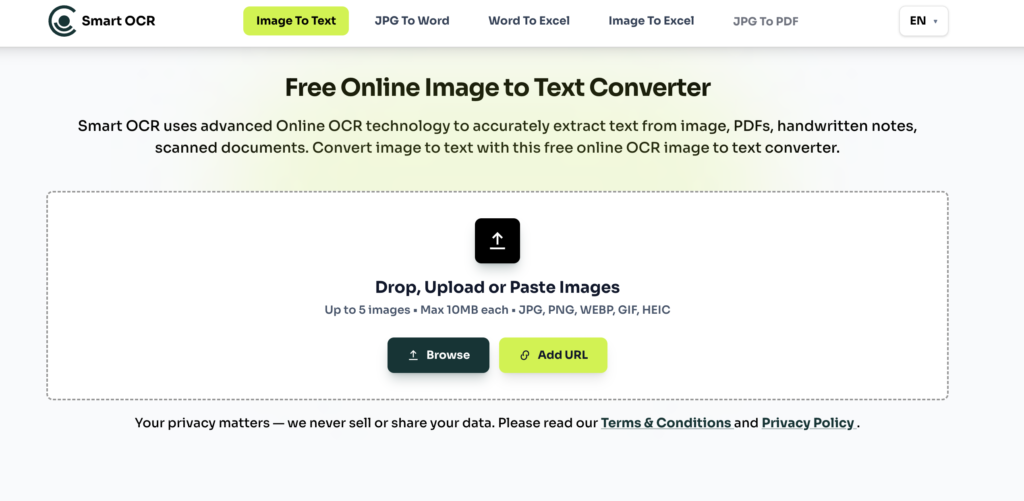
Smart OCR is a free online OCR tool that lets you extract text from images, scanned PDFs, screenshots, and documents directly in your browser. It requires no signup, no login, and has no daily usage limits.
It supports multiple languages and can extract well-formatted text, making the output easy to read and use without additional cleanup. The tool also offers batch processing, allowing you to convert multiple files at once for better efficiency.
In addition to basic OCR, Smart OCR includes useful conversion tools such as image to Excel, Word to Excel, and bank statement to Excel or CSV conversion. This makes it more than just a text extractor and useful for simple document data handling tasks.
Smart OCR is best for users who want a free, easy-to-use OCR tool that delivers clean, well-formatted text and supports basic document conversions without any setup.
| Pros | Cons |
| 100% free without any daily Limit | Limited advanced AI or automation features |
| No signup or login required | No API or integration options |
| Support batch processing | |
| Supports multiple languages | |
| Extract well-formatted text | |
| Works directly in browser |
Tesseract
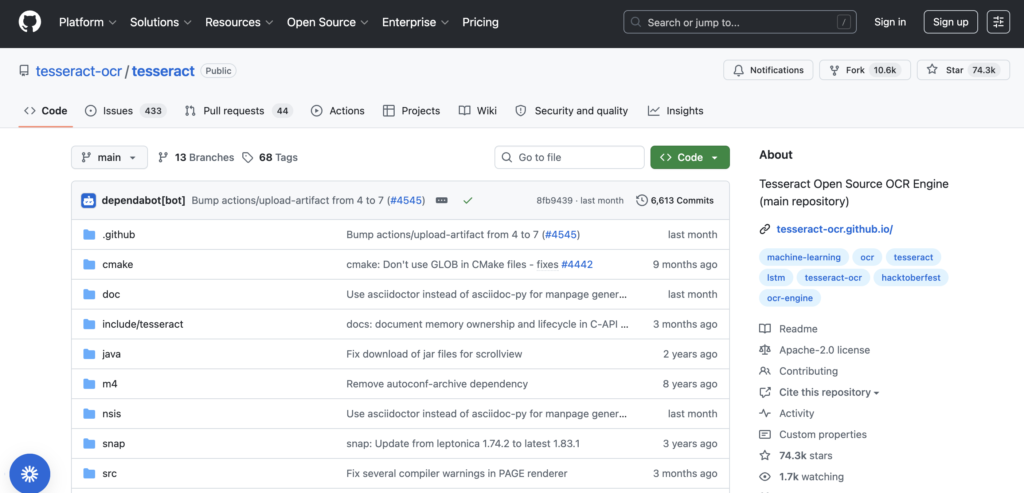
Tesseract OCR is one of the most popular open-source OCR engines used by developers worldwide. It is free, highly flexible, and supports a wide range of languages, making it a strong option for building custom OCR solutions.
However, unlike modern AI OCR tools, Tesseract only provides raw text output and does not include built-in structured data extraction or automation features. It is best suited for technical users who want full control over their OCR pipeline. Tesseract is best for developers and technical teams who want a free OCR engine to build custom document processing systems from scratch.
| Pros | Cons |
| Completely free and open-source | Requires technical setup and coding knowledge |
| Supports 100+ languages | No structured data extraction (raw text only) |
| Highly customizable for developers | Struggles with complex layouts and noisy scans |
| Works offline on local systems | No built-in automation or workflows |
| Large community support | Not user-friendly for non-technical users |
Online OCR
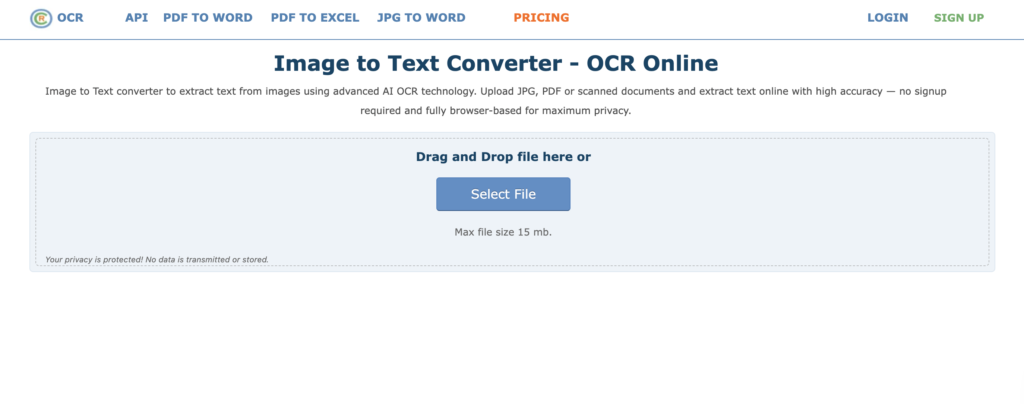
OnlineOCR is a simple web-based OCR tool that lets you extract text from images, scanned PDFs, and documents without installing any software. It is mainly used for quick, one-off text extraction tasks where you just upload a file and download the converted text.
What makes it useful is its simplicity. You don’t need any technical setup or training: just upload your file, choose the output format (Word, Excel, or plain text), and get results in seconds. However, it is more of a basic OCR utility compared to advanced AI-powered tools.
It works best with clean, printed documents but may struggle with complex layouts, tables, or low-quality scans.
OnlineOCR is free for limited usage, with restrictions on file size and number of conversions. Paid options are available for higher limits and batch processing. OnlineOCR is best for users who need quick, simple text extraction from documents without any setup or advanced features.
| Pros | Cons |
| Free and easy to use | Limited file size and usage restrictions |
| No installation required | Weak with complex layouts and tables |
| Supports multiple output formats | Not suitable for large-scale automation |
| Fast for simple OCR tasks | |
| Works directly in the browser |
OCR.Space
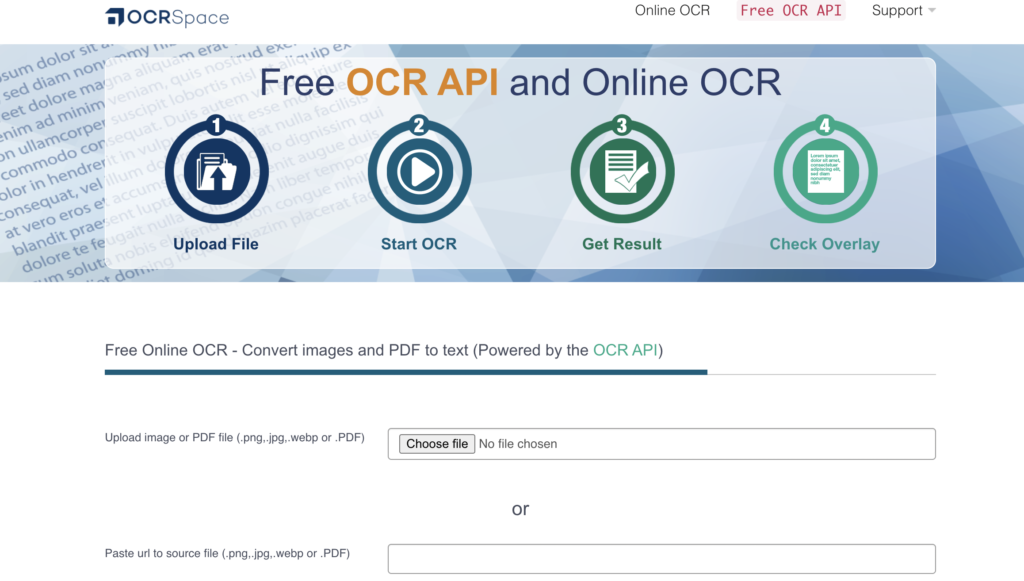
OCR.space is a free online OCR tool that allows you to extract text from images, PDFs, and scanned documents directly in your browser. It is designed for quick text recognition without requiring installation, making it a convenient option for simple OCR tasks.
What makes OCR.space useful is its ability to process documents instantly through both the web interface and API. It supports common file formats like JPG, PNG, and PDF, and can also handle multi-language text extraction. This makes it a practical choice for both casual users and developers who need basic OCR functionality.
The tool is best suited for straightforward documents with clear text. While it performs well on standard scans, it may struggle with complex layouts, heavy tables, or low-quality images compared to advanced AI-based OCR platforms.
OCR.space offers a free version with basic usage limits, along with paid API plans for higher volume processing and advanced features. OCR.space is best for users who need quick, simple text extraction from images or PDFs, and for developers looking for a lightweight OCR API.
| Pros | Cons |
| Free to use for basic OCR tasks | Limited accuracy on complex layouts and tables |
| No installation required (web-based tool) | The free version has usage restrictions |
| API available for developers | Not ideal for structured data extraction workflows |
| Supports multiple file formats (PDF, images) | Basic feature set compared to AI OCR tools |
| Fast processing for simple documents |
TextToPDF.net
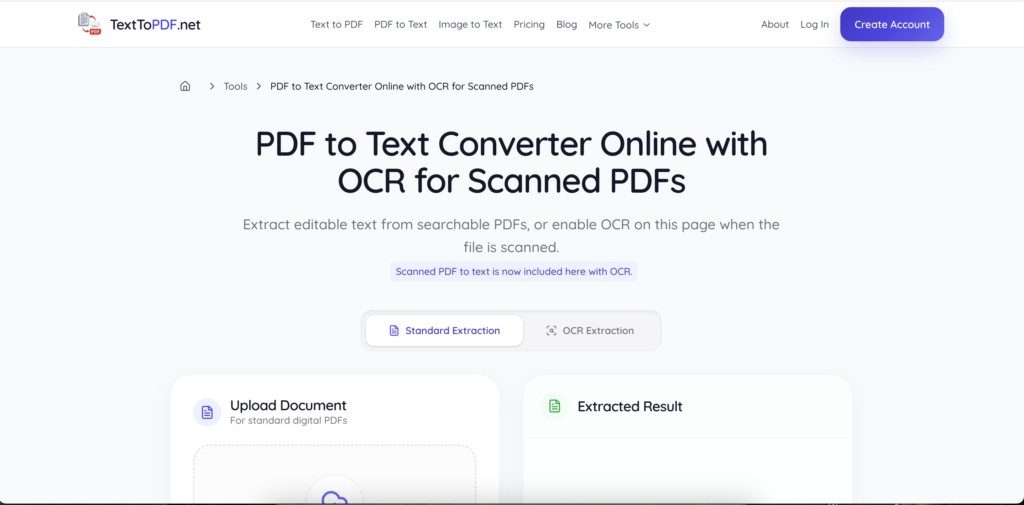
TextToPDF.net is a focused online OCR and document utility for users who need to extract text from scanned PDFs and image-style documents. It also includes related workflows such as PDF to Text and Text to PDF, which makes it useful for simple document handling tasks.
The scanned PDF to text tool is helpful when a PDF looks readable but does not allow text selection. OCR reads the visible letters from the scanned page and converts them into editable text. This makes TextToPDF.net a good option for students, office users, researchers, and anyone working with scanned notes, forms, receipts, or paperwork.
TextToPDF.net is best for users who want a simple scanned PDF to text tool without advanced automation setup or heavy PDF editing features.
| Pros | Cons |
| Simple scanned PDF to text extraction for everyday document work | Not built for advanced enterprise document automation |
| Useful when text cannot be selected from image-style PDF files | Not a full PDF editor for editing or redesigning PDF pages |
| Includes related tools such as PDF to Text and Text to PDF | OCR result depends on scan quality and page clarity |
| Easy workflow for students, office users, researchers, and general users | Complex tables or handwritten text may still need manual checking |
| Focused document utility without unnecessary PDF editing clutter |
Conclusion
OCR tools have come a long way from simple text recognition to intelligent document processing systems that can handle complex business workflows. In 2026, the real value of an OCR tool is not just extracting text, but how accurately it can handle real-world documents like invoices, receipts, PDFs, and scanned forms while reducing manual effort and errors.
From enterprise-grade platforms like Klippa and Nanonets to developer-focused tools like Tesseract and lightweight online options like Smart OCR, OnlineOCR, and OCR.space, each tool serves a different purpose. Some are built for automation and structured data extraction, while others are better suited for quick, one-off text conversion tasks.
The right choice ultimately depends on your needs (whether you want simple text extraction, advanced AI-powered data processing, or full-scale document automation). By focusing on accuracy, structured output, ease of use, and scalability, you can select an OCR tool that not only saves time but also improves your overall workflow efficiency.